
Shopping guide
Build a Year-Round Indoor Golf Studio
Whether converting an open garage or creating a dedicated indoor studio, setting up a home golf simulator requires the right balance of ball containment, visual clarity, and reliable hardware. This guide covers how SimSpace enclosures, nets, and projection setups fit your practice space.
Plan your dream home golf simulator with SimSpace. Explore simulator enclosures, quiet 4K impact screens, practice nets, and compatible Optoma projectors.
01
Meet the merchant
Core Elements of a Complete Home Golf Setup
Constructing a functional home golf simulator involves more than propping up a net and swinging away. A reliable build brings together four core pillars: structured ball containment, an impact-absorbing display surface, an accurate launch monitor, and a projector matched to your room dimensions. When properly balanced, these components allow you to swing freely with every club in the bag without fear of errant strikes damaging drywall or windows.
The enclosure acts as the foundation of your simulator bay. It frames the hitting area with durable side walls and a protective ceiling baffle that catches high-lofted wedge shots or unexpected shanked balls. Inside that framework sits the impact screen, which must withstand repeated strikes exceeding 150 mph ball speeds while remaining flat enough to showcase detailed virtual courses.
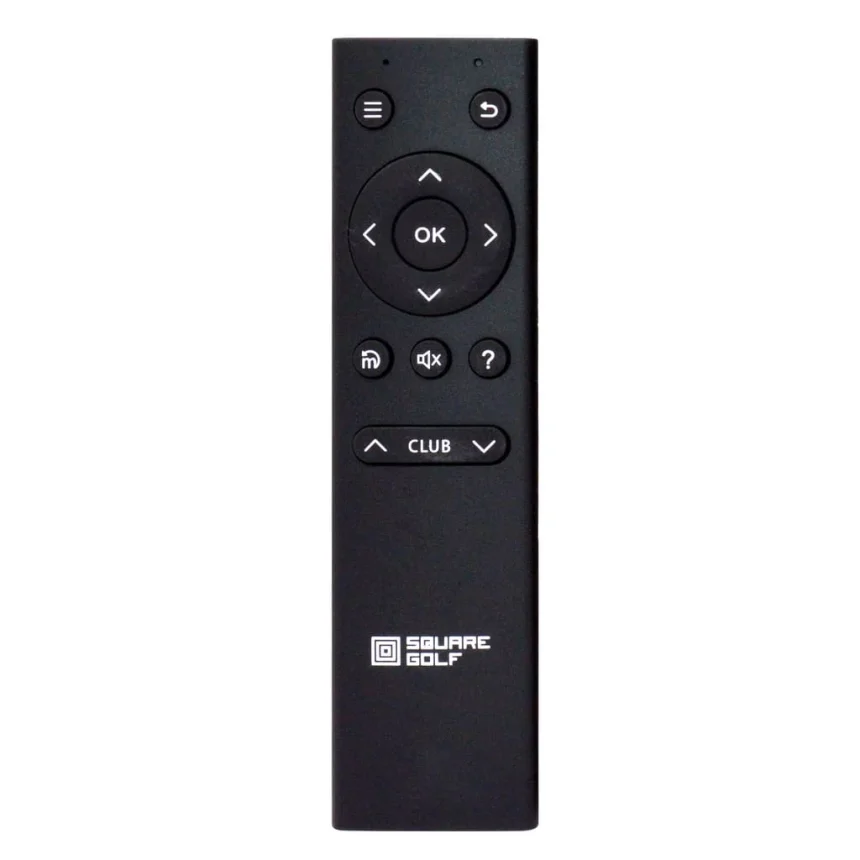
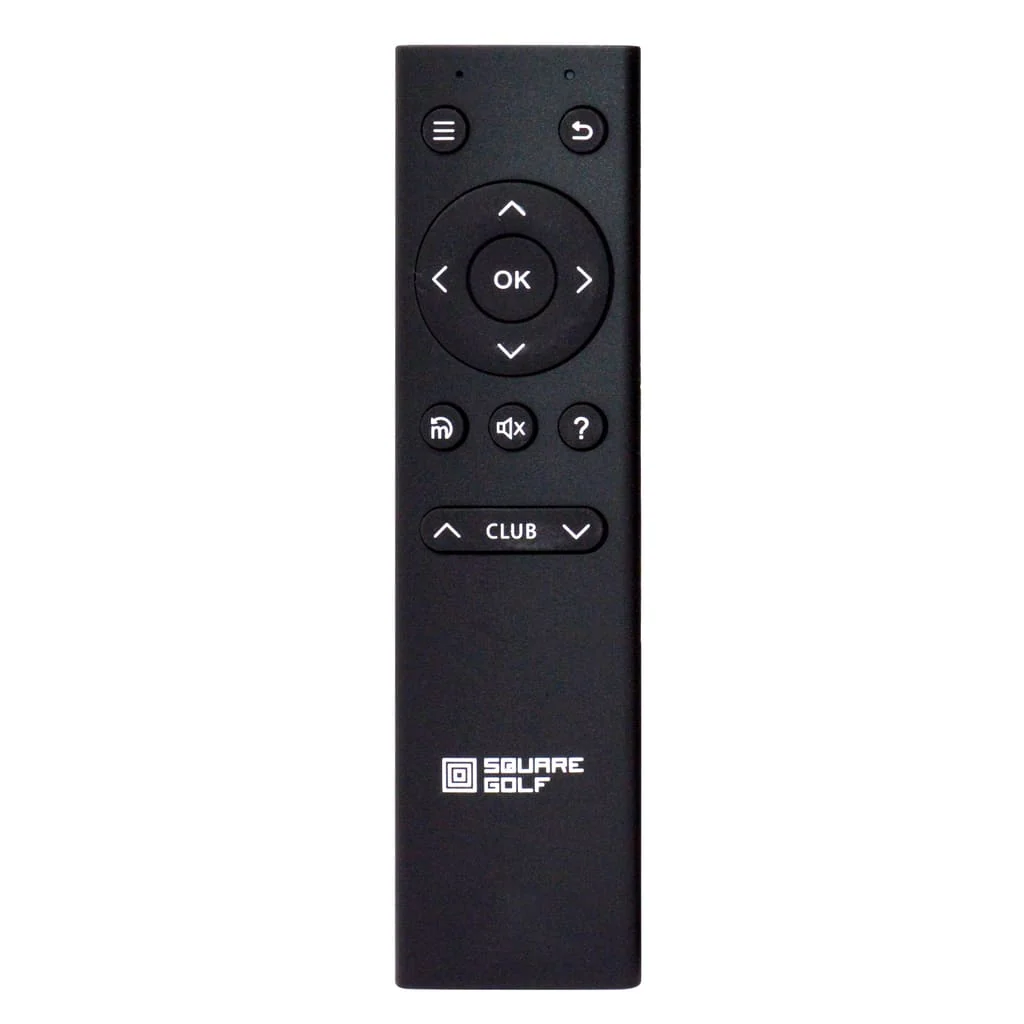
Beyond the cage and screen, your choice of stance mat and tracking gear dictates how realistic practice feels. A quality turf surface protects your wrists and joints from repetitive strain, while accessories like wireless remotes or launch monitor docks streamline menu navigation between holes. Before purchasing, verify exact room clearances, electrical outlet positions, and shipping options directly on the merchant’s site.
02
Featured picks
03
Before you order
Enclosures vs. Practice Nets: Matching Your Space
When deciding how to equip your practice zone, the first decision is whether you want a permanent enclosure bay or a flexible practice net. Fully framed enclosures—such as SimSpace’s multi-size bay lineups—create an immersive, dark enclosure environment that optimizes projector contrast and keeps every shot contained within heavy-duty fabric walls. They are ideal for dedicated basements, converted spare bedrooms, or garage bays where the structure can remain in place year-round.
Practice nets, by contrast, excel in flexible and multi-use spaces. If your garage still needs to park cars during the week, or if you prefer taking your practice outdoors to the patio or garden on sunny afternoons, a portable net provides rapid setup and teardown. Modern practice nets can also be paired with compact impact surfaces or tablet-based launch monitors, giving you instant ball-flight analytics without requiring a ceiling-mounted projector.
Consider your daily household routine before committing. A permanent bay requires at least 9 to 10 feet of ceiling height and roughly 12 to 15 feet of depth to accommodate full follow-through swings and safe distance from the screen. If your space falls slightly short on depth, a versatile net setup may provide the swing comfort you need without crowding the room.
Choosing the Right Projector and Impact Screen
The visual quality of your simulator hinges on pairing the right projector throw ratio with a premium impact surface. SimSpace offers screen options such as quiet multi-layer and high-contrast designs that reduce the acoustic ‘pop’ of ball strikes while enhancing color saturation. A smooth, tightly woven screen finish prevents pixel distortion, allowing 1080p and 4K graphics from modern software to appear crisp from tee to green.
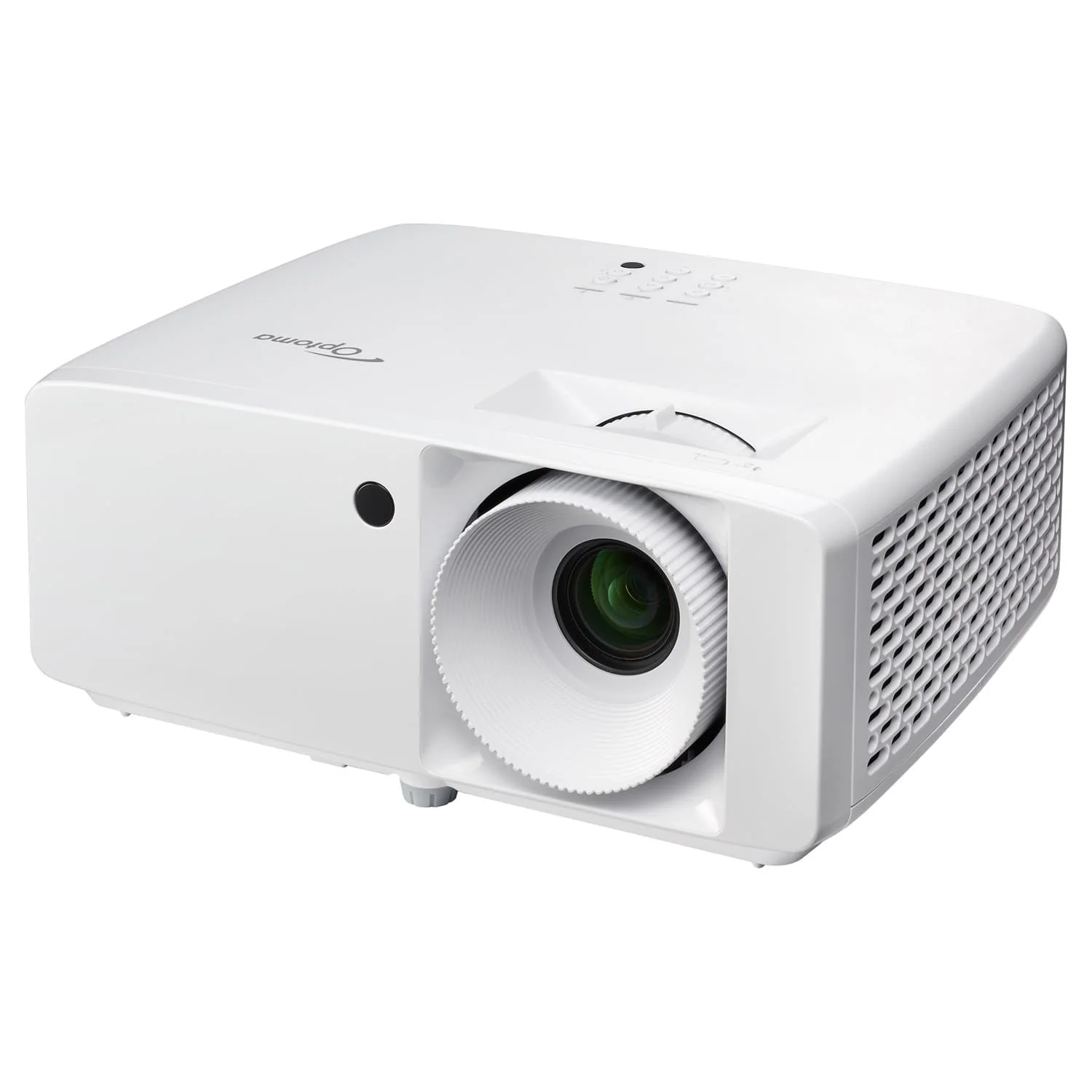
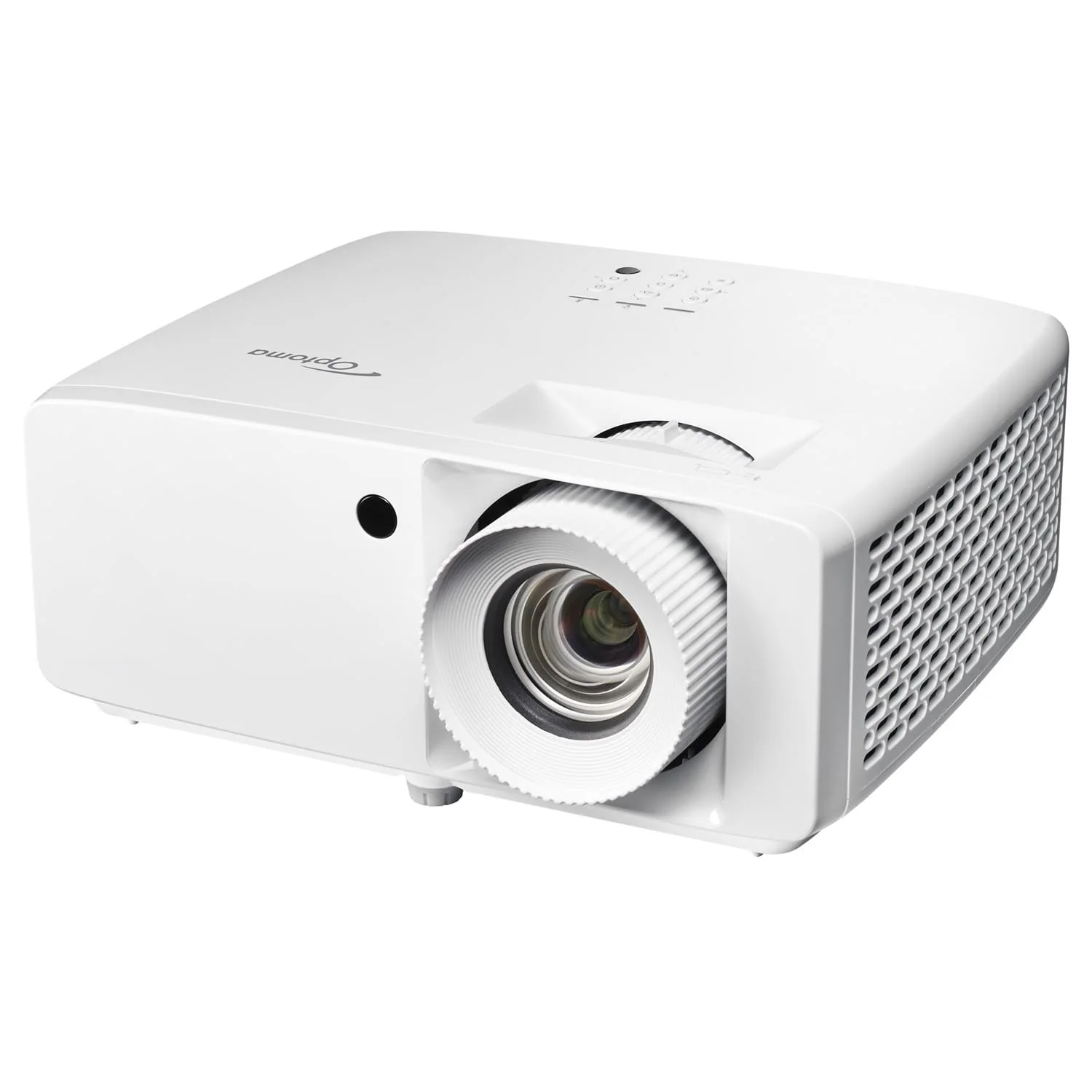
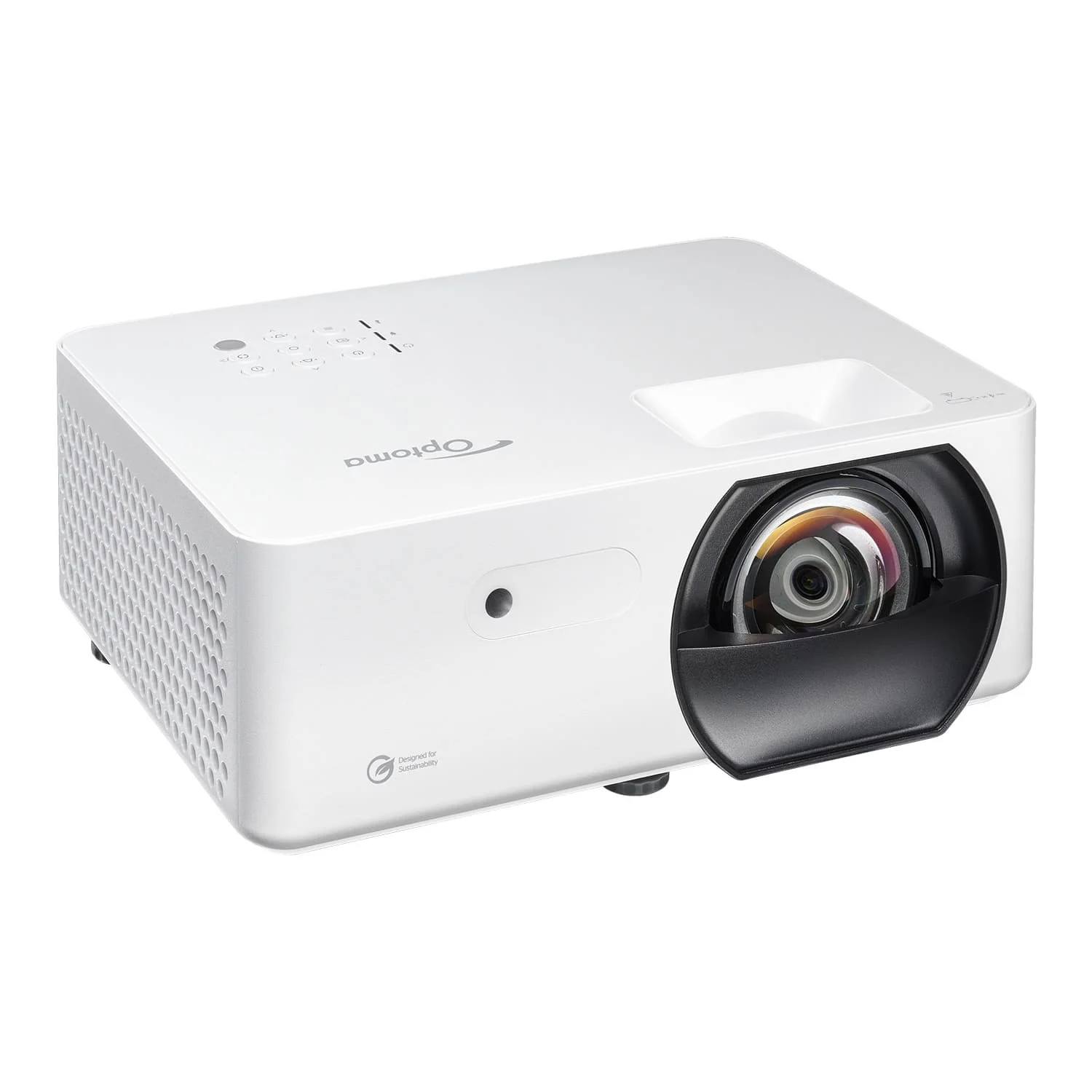
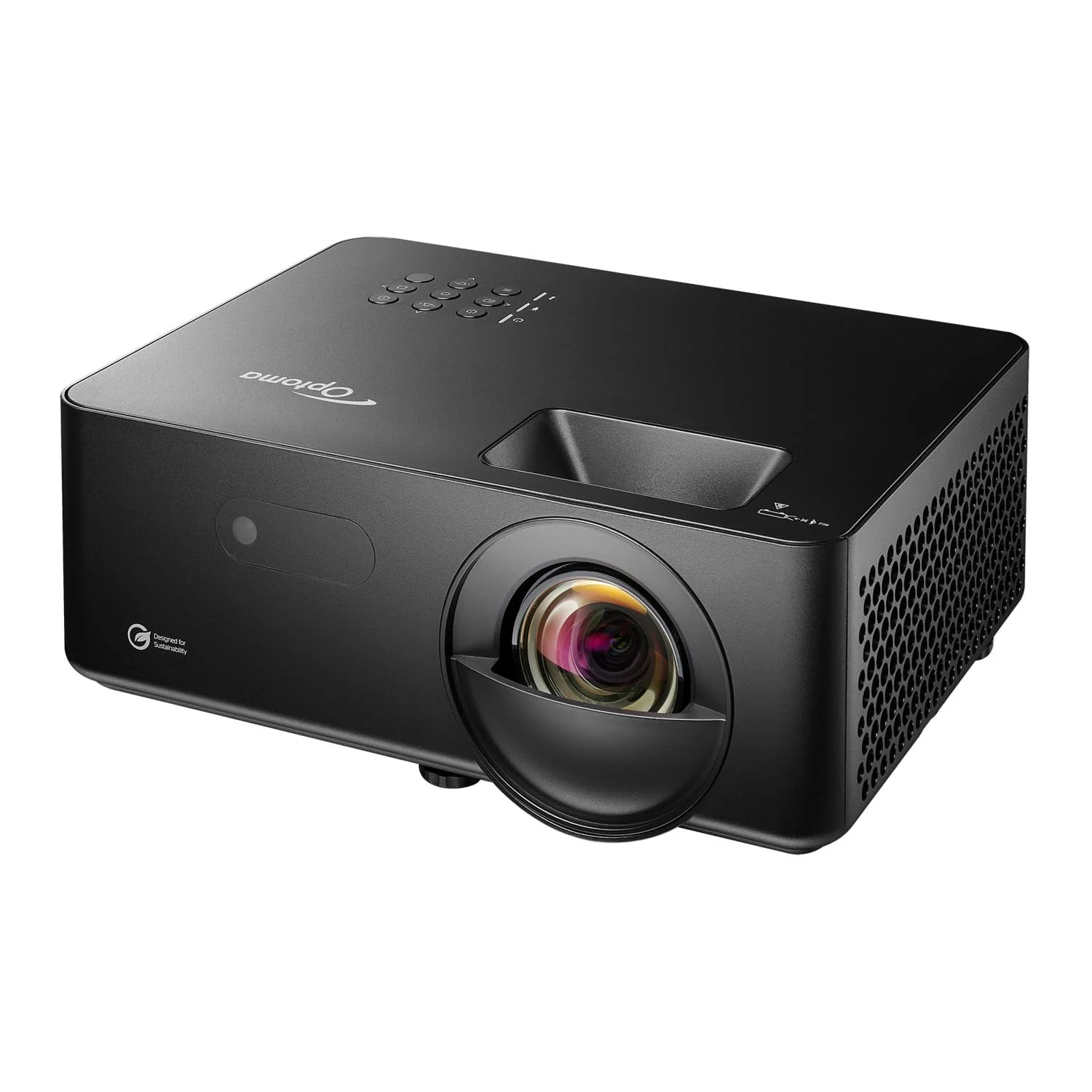
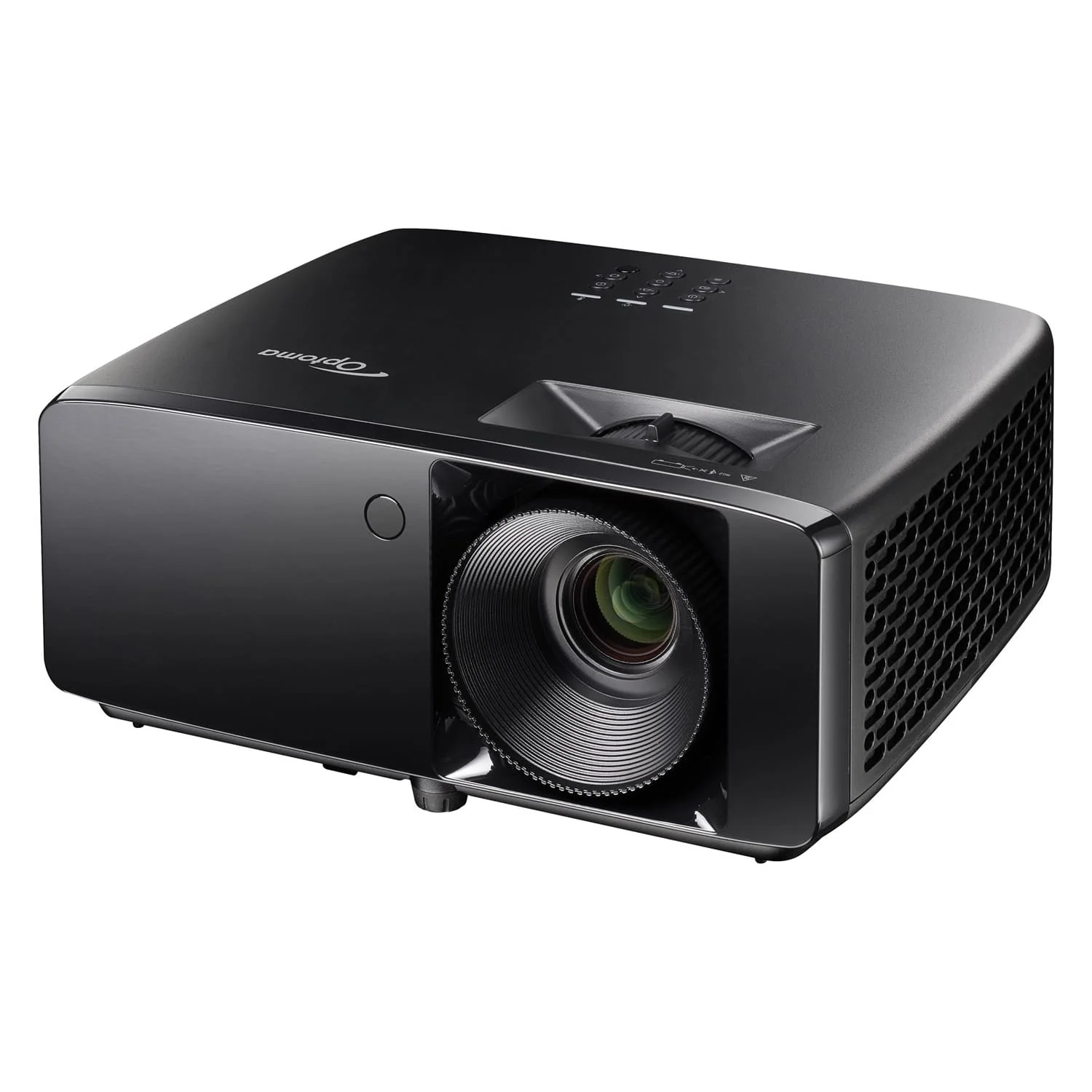
When shopping for a simulator projector—such as Optoma’s laser-driven short-throw and 4K models—throw distance is your most critical measurement. In most home bays, standard-throw conference projectors are unsuitable because the projector must be placed behind the golfer, casting an intrusive body shadow directly across the hitting zone. Short-throw projectors sit just a few feet in front of the screen, safely above or offset from your swing path while filling the display surface corner to corner.
Light output, measured in lumens, is equally vital. If your simulator lives in a dimly lit basement, moderate brightness will suffice. However, if your setup shares space in a garage or sunlit room, selecting a laser model with higher lumen output and HDR capabilities ensures that course contours, distance markers, and hazard lines remain visible even during daytime practice sessions.
- Measure ceiling height, room width, and depth carefully, factoring in full driver follow-through and safe buffer space behind the screen.
- Decide between a fully framed indoor bay for projector play or a portable net setup for indoor/outdoor multi-use practice.
- Confirm projector throw distance, aspect ratio, and mounting clearance to prevent player shadows from blocking the projected fairway.
04
FAQ
What ceiling height do I need for a SimSpace golf enclosure?
Most golfers require a minimum ceiling height of 9 feet (2.74 meters), though 10 feet is strongly recommended for taller players using drivers. Always take a slow, controlled practice swing in your intended space with your longest club to ensure adequate clearance before ordering.
Can I use real golf balls with SimSpace impact screens?
Yes. Quality impact screens are engineered to handle real golf balls at high velocities. To extend the lifespan of your screen, use clean, unmarked balls free of cuts or sharp scuffs, as dirt and ink transfers can cause premature wear.
Why is a short-throw projector recommended for golf simulators?
A short-throw projector can generate a large image from just a few feet away. This allows the unit to be mounted forward of the golfer, preventing player shadows from obstructing the projected image on the impact screen.
How far should the impact screen be positioned from the wall?
To prevent balls from striking drywall on deep impacts, leave a buffer of roughly 12 to 16 inches between the screen surface and the rear wall. This provides ample deceleration room for high-speed ball strikes.
Where should I confirm pricing, shipping, and warranty policies?
Because inventory, bundle configurations, shipping rates, and return policies can vary based on your location, always confirm the latest details directly on the SimSpace checkout page prior to completing your purchase.
Disclosure: this article may contain affiliate links. We may earn a commission if you purchase through these links, at no extra cost to you.